 Flowlab Apps

CutKite
CutKite prepares designs for cutting machines on your iPad, iPhone and Mac. It traces an image into clean cut lines, adds sticker outlines, fills sticker sheets and splits big designs across mats, then exports files your machine's own software opens. It has no account, no subscription and no analytics, and it works offline.

- iPhone and iPadFree on the App Store with an optional one-time $19.99 CutKite Pro unlockiOS 17 or later
- MacFree on the Mac App Store with an optional one-time $19.99 CutKite Pro unlockApple silicon, macOS 14 Sonoma or later
Prices in US dollars. Each store shows the price in your country.
Turn any image into clean cut lines.
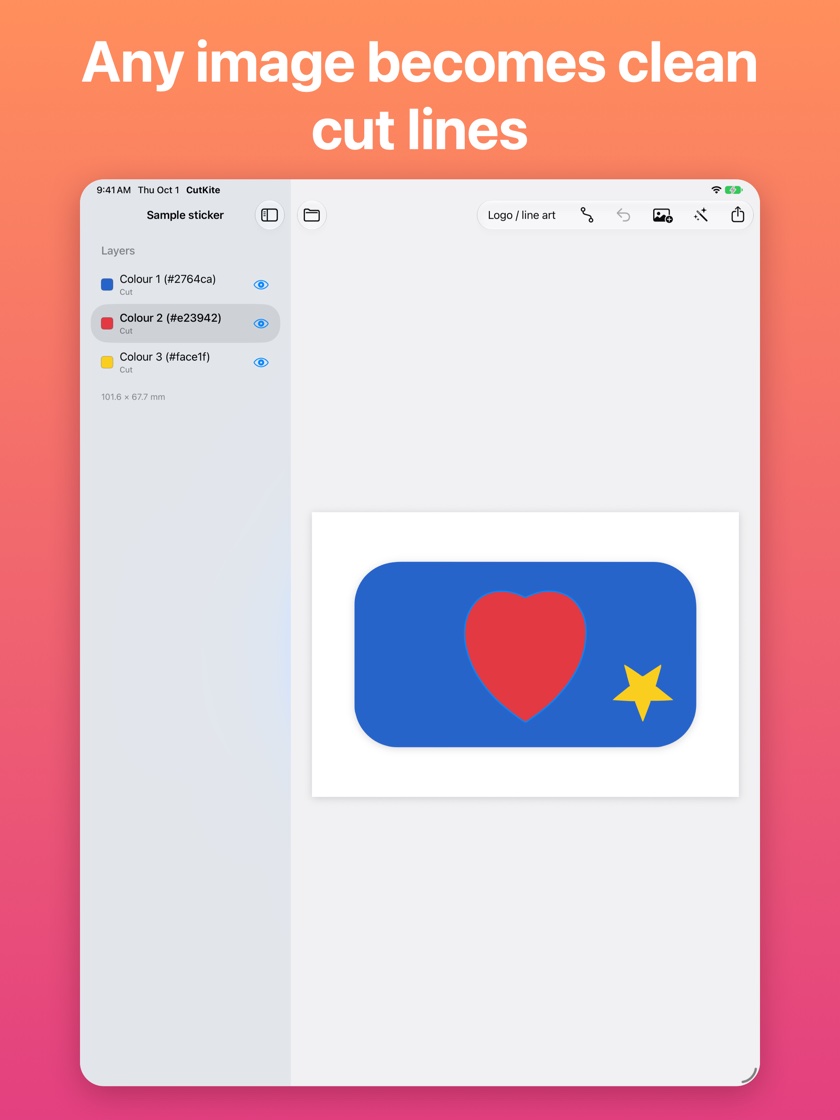
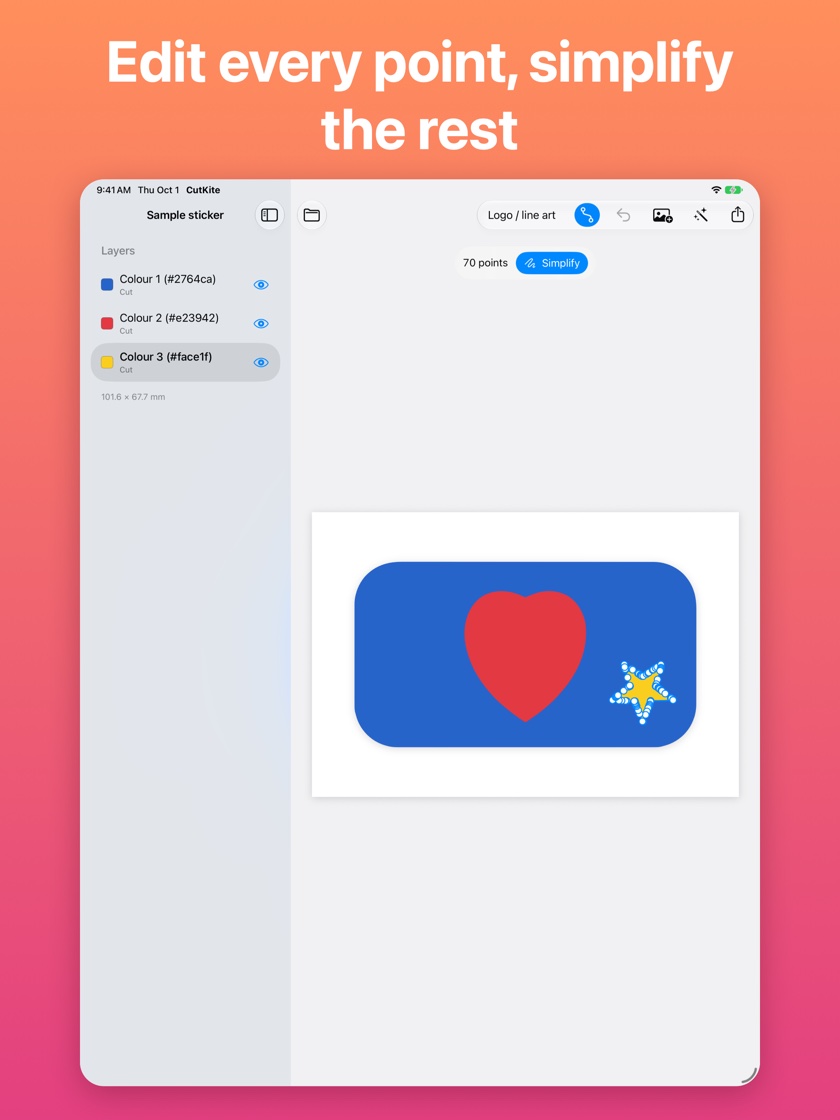
Open a logo, clip art or a photo and CutKite traces it into cut lines, one layer per colour, with the background removed. Traced shapes can be dense, so Simplify refits them with far fewer points, and Edit Points lets you drag any point with a finger, Apple Pencil or mouse. Move, scale and rotate layers with gestures, weld overlapping shapes into one piece, and undo anything.
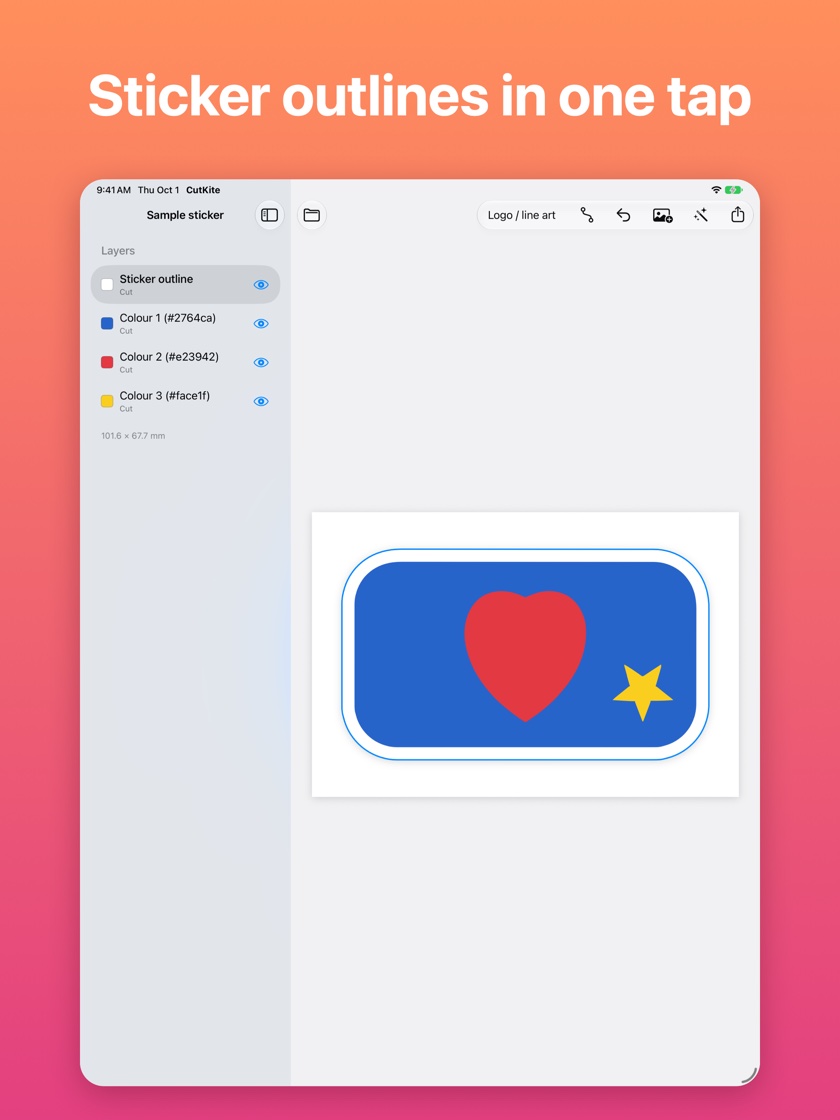
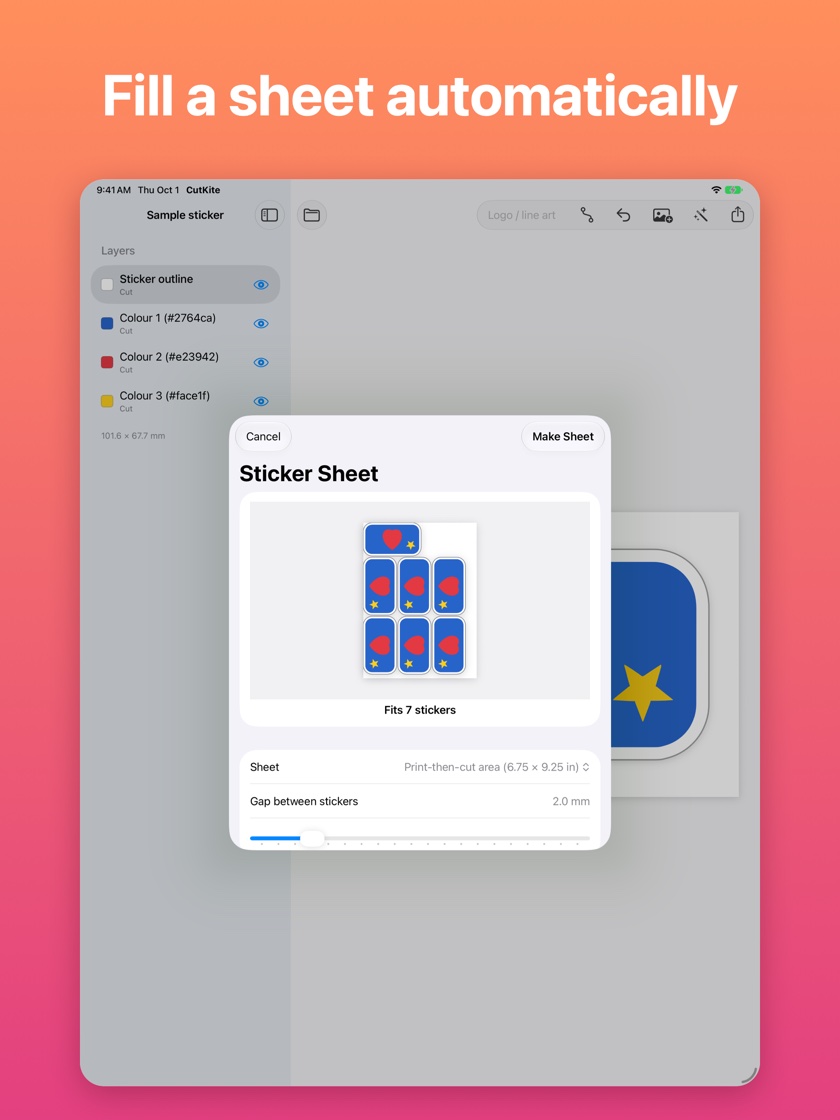
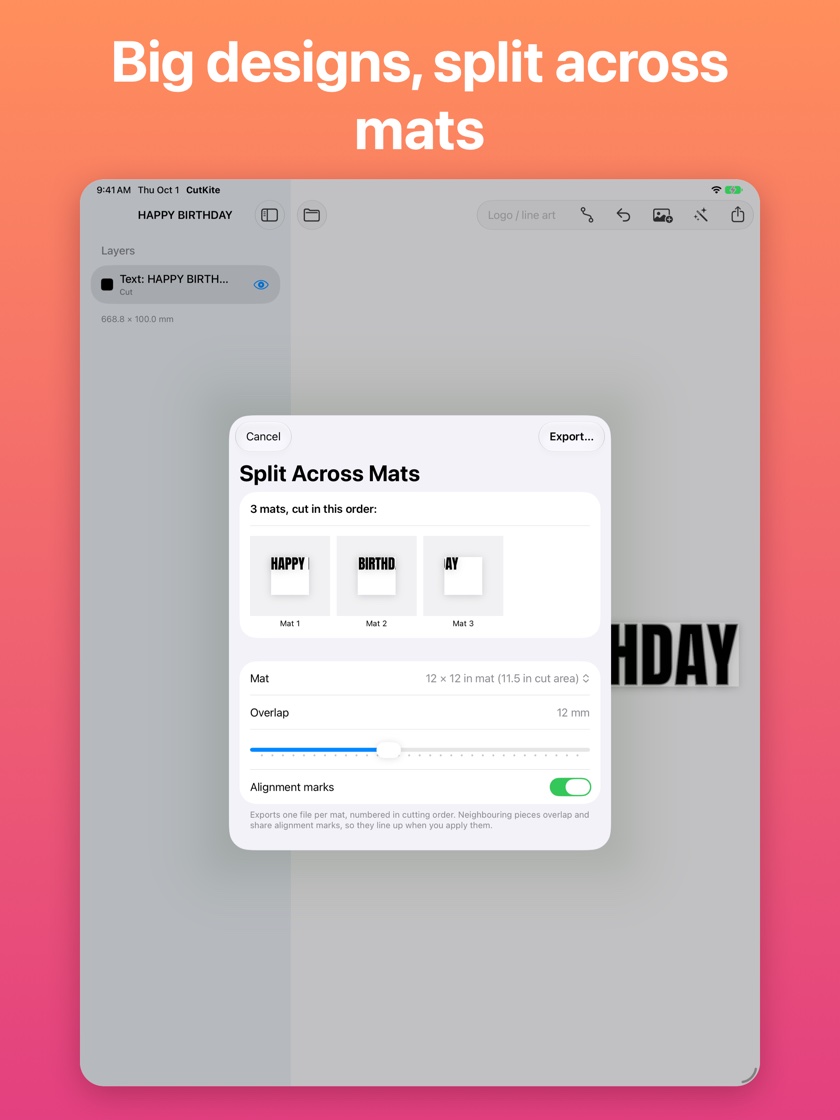
Put a sticker outline around the whole design, with rounded or sharp corners. Add text in the included fonts or your own TTF and OTF files; it becomes cut lines, so an exported file never depends on the font. Make Sticker Sheet repeats a design to fill US Letter, A4 or a print-then-cut area, with a live preview. Split Across Mats turns a big design into numbered files with alignment marks for 12 × 12 in, 12 × 24 in and A4. Batch Names makes one file per row of a spreadsheet you paste or import.
CutKite exports SVG, DXF, PDF and 300 dpi PNG. It prepares files and never connects to a cutting machine: you cut with the software that came with your machine, the way you already do.
Designs save automatically, and Recently Deleted keeps deleted ones for 30 days. Turn on sync and your projects move between your iPad, iPhone and Mac through your own iCloud account, encrypted on your device first so that neither we nor Apple can read them. If two devices change the same design at once, CutKite keeps both versions rather than overwriting one.
Text, layers, sticker outlines, weld, Edit Points, the built-in sample and SVG and PNG export are free. CutKite Pro, a single purchase with no subscription, adds tracing your own images, sticker sheets, mats, batch names, DXF and PDF export, and sync. It unlocks on every iPad, iPhone and Mac signed in to the same Apple Account.
See it on iPad
What it does
Logo, clip art and photo modes, one layer per colour, background removed. Simplify cuts the point count so shapes stay easy to edit.
An outline around the whole design in one tap, with rounded or sharp corners. Weld overlapping shapes into one cut piece.
Fill a sticker sheet, split a big design across mats with alignment marks, or make one file per name from a spreadsheet.
The included fonts or your own TTF and OTF files, turned into outlines so exports never depend on the font.
SVG, DXF, PDF and 300 dpi PNG for your cutting machine's or laser's own software. CutKite never drives the machine itself.
Optional iCloud sync between iPad, iPhone and Mac, encrypted on your device. No account, no analytics, no ads, and it works offline.
This app collects no data
CutKite collects nothing. Your designs are stored on your device and never reach us. If you turn on sync, they travel through your own iCloud account, encrypted on your device first so that neither we nor Apple can read them. CutKite makes no network connections of its own, and everything apart from sync works offline.
Details
| Category | Graphics & Design |
|---|---|
| Platforms | iPhone, iPad, Mac |
| Availability | Available on the App Store and the Mac App Store |
| App Store | apps. |
| Mac App Store | apps. |
| Bundle identifier | com. |
| Account required | No — there is no sign-up or login |
| Data collected | None |
| In-app purchases | CutKite Pro is a one-time in-app purchase, handled entirely by Apple through the App Store. We never see your payment details or your Apple Account. The app learns only whether Pro is unlocked for your Apple Account, which is how it unlocks on your iPad, iPhone and Mac and how Restore Purchases works. Refunds go through Apple. |
| Privacy policy | flowlabapps. |
| Support | flowlabapps. |