 Flowlab Apps

KeepCut
KeepCut is a fast video editor for the clips you post: cut the dead air, add captions, turn it vertical and export for where it is going. It runs on your Mac or Windows PC, with no account and no upload, and nothing you edit leaves your computer.


- Mac$1.99 on the Mac App StoreApple silicon, macOS 14 Sonoma or later
- Windows$2.99 with a free trial on the Microsoft StoreWindows 11, 64-bit
Prices in US dollars. Each store shows the price in your country.
Edit short videos on your Mac or PC. Keep them yours.
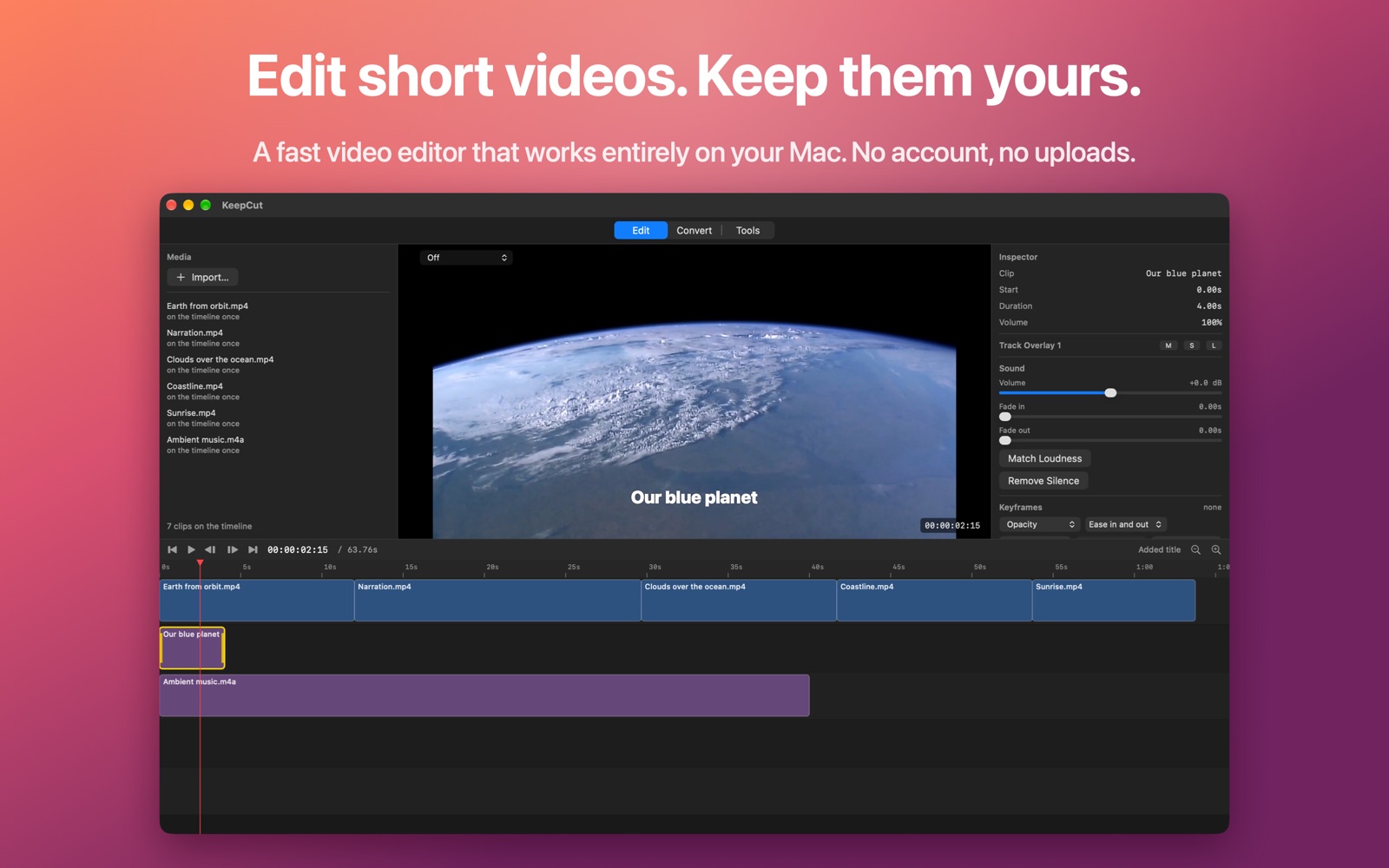
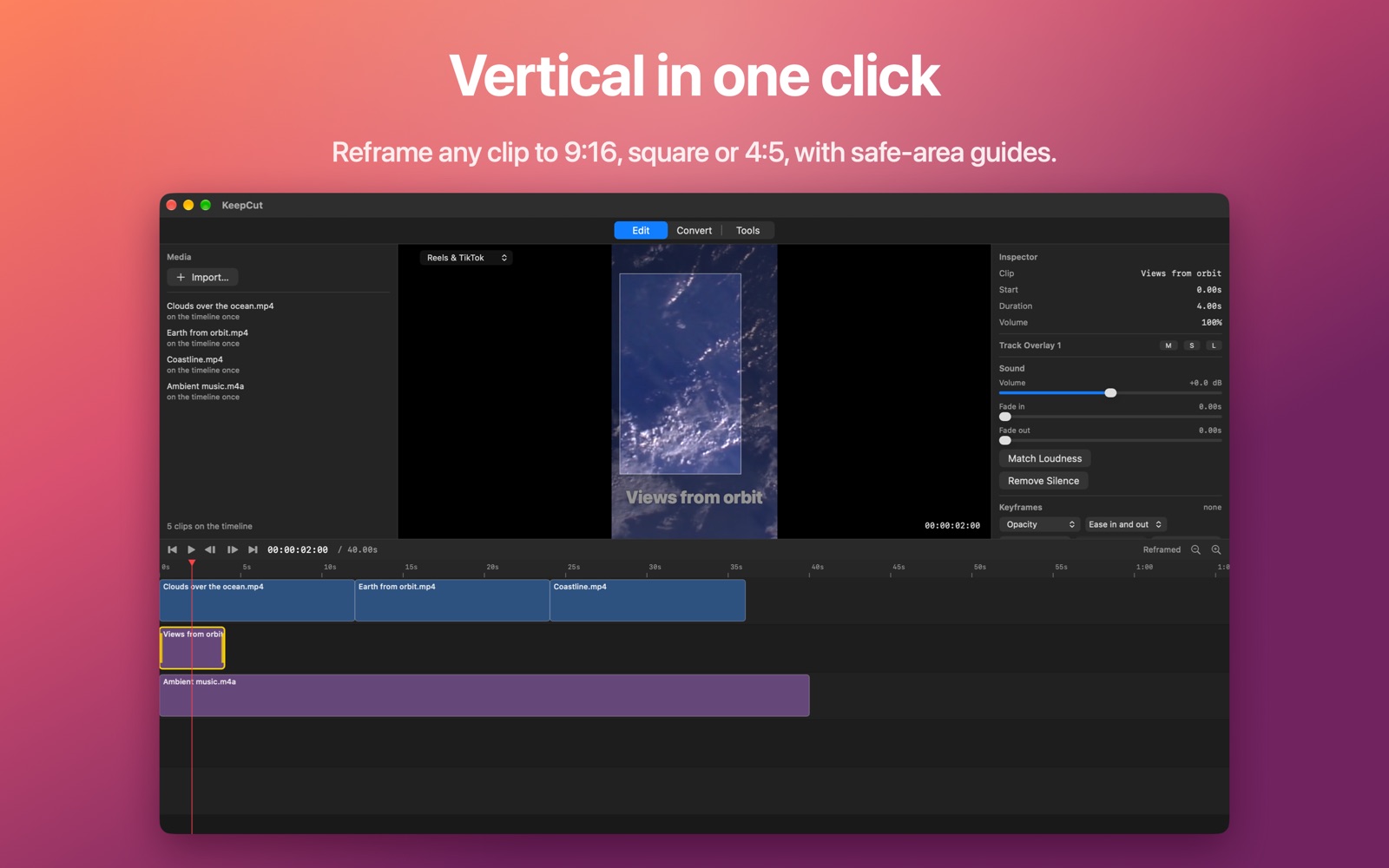
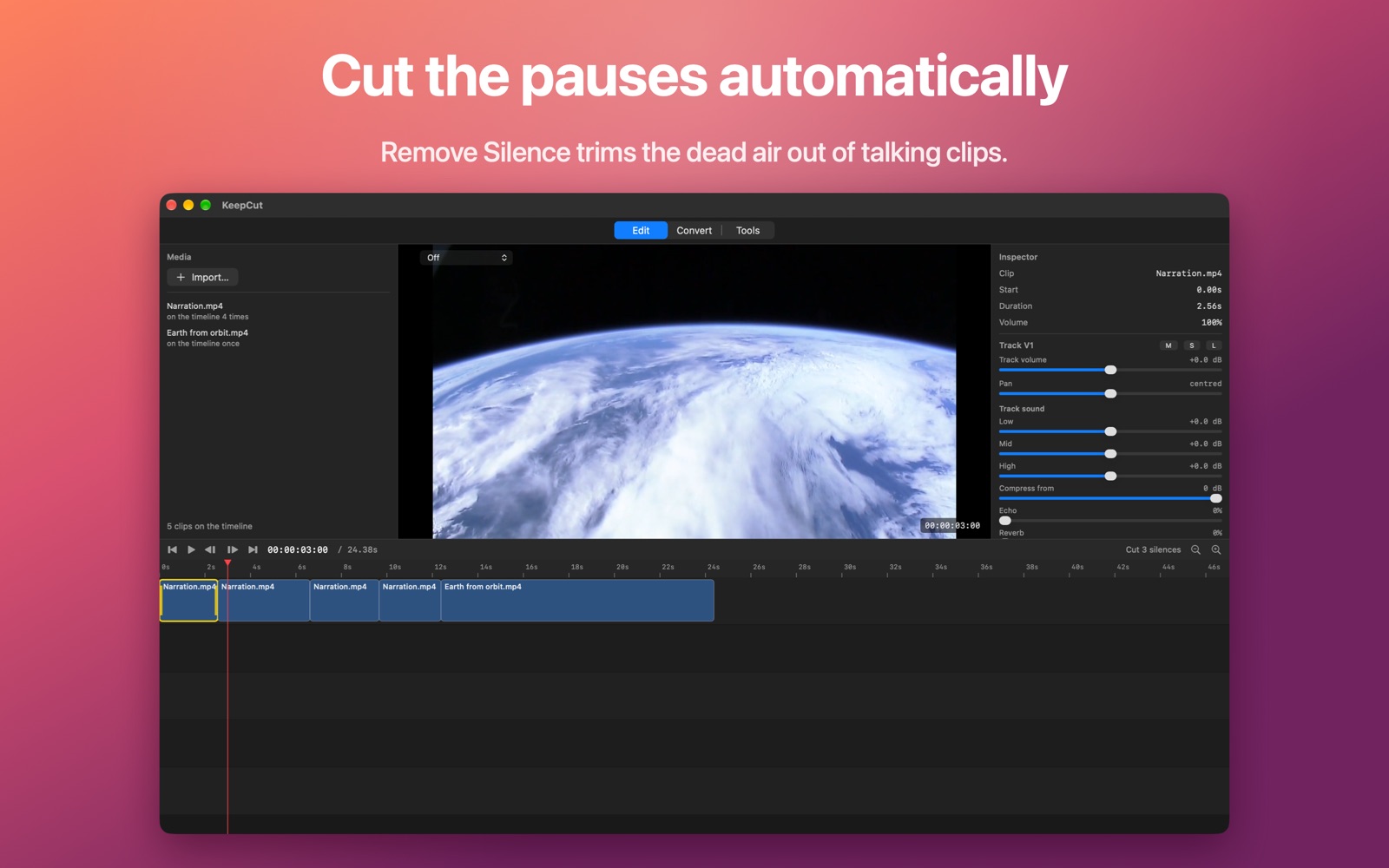
KeepCut is the tool you reach for between recording and posting. Drop in your footage, trim and split on a real timeline, and let Remove Silence take the pauses out of a talking clip. Reframe any clip to 9:16, square or 4:5 with safe-area guides for Reels, TikTok and Shorts, then export with a preset named for where the video is going: YouTube, Reels, TikTok and Shorts, a square or portrait post, or a file small enough to email.
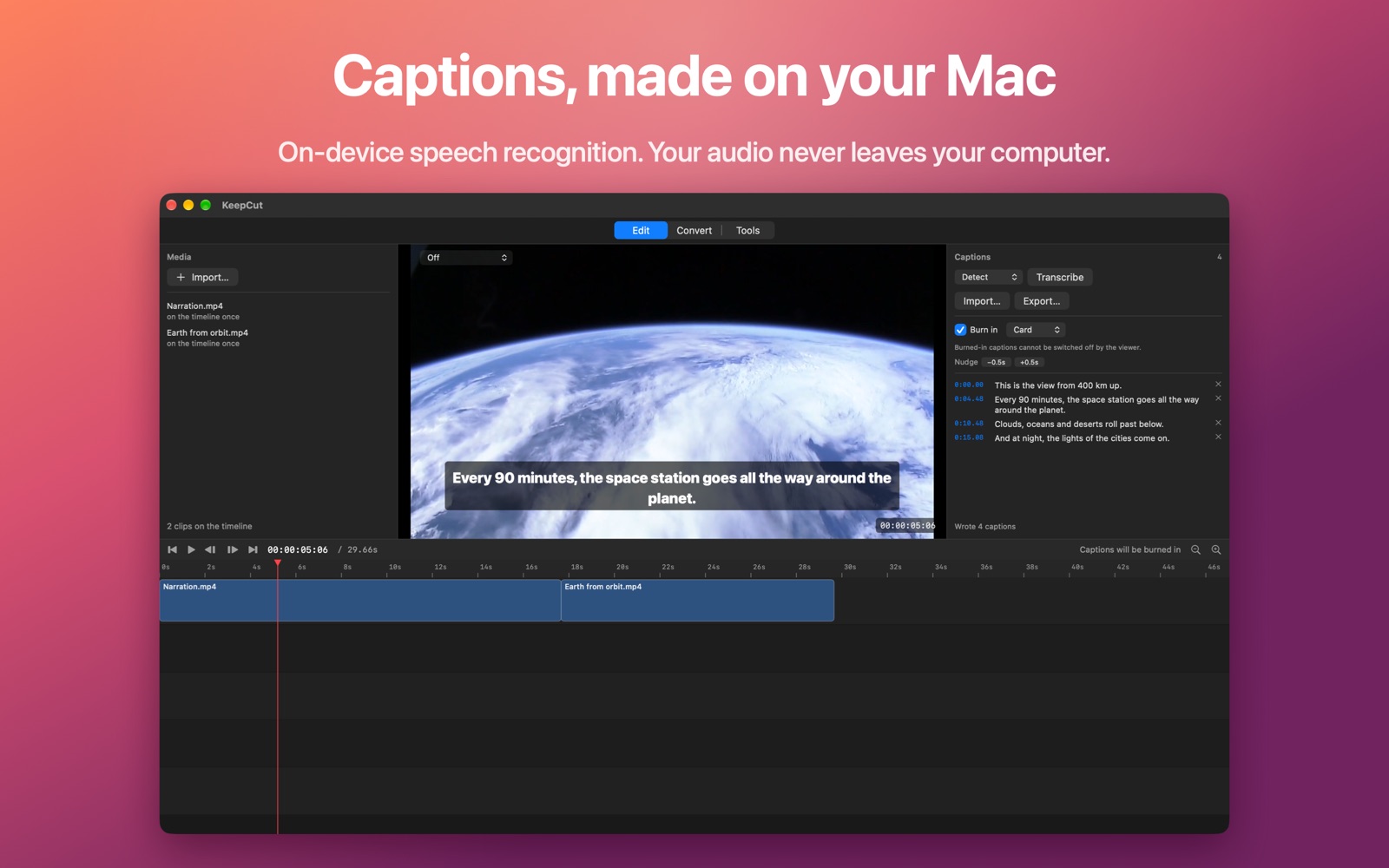
Captions are made on your computer. A speech-recognition model ships inside the app, so transcription works offline and your audio never leaves your Mac or PC. Detect the language or pick one of thirteen, correct the text, then burn the captions into the picture or export them as SRT or WebVTT.
When an edit needs more, it is there: titles that animate in and out, image overlays, nine kinds of transition, colour adjustments with LUTs and a chroma key, keyframes with easing, split screen, freeze frames, reverse and stabilise, and background removal, which runs on your computer. Music can duck under a voice and fit itself to the video's length, and each track has its own EQ and compressor. Record a voiceover, your screen or your camera straight onto the timeline.
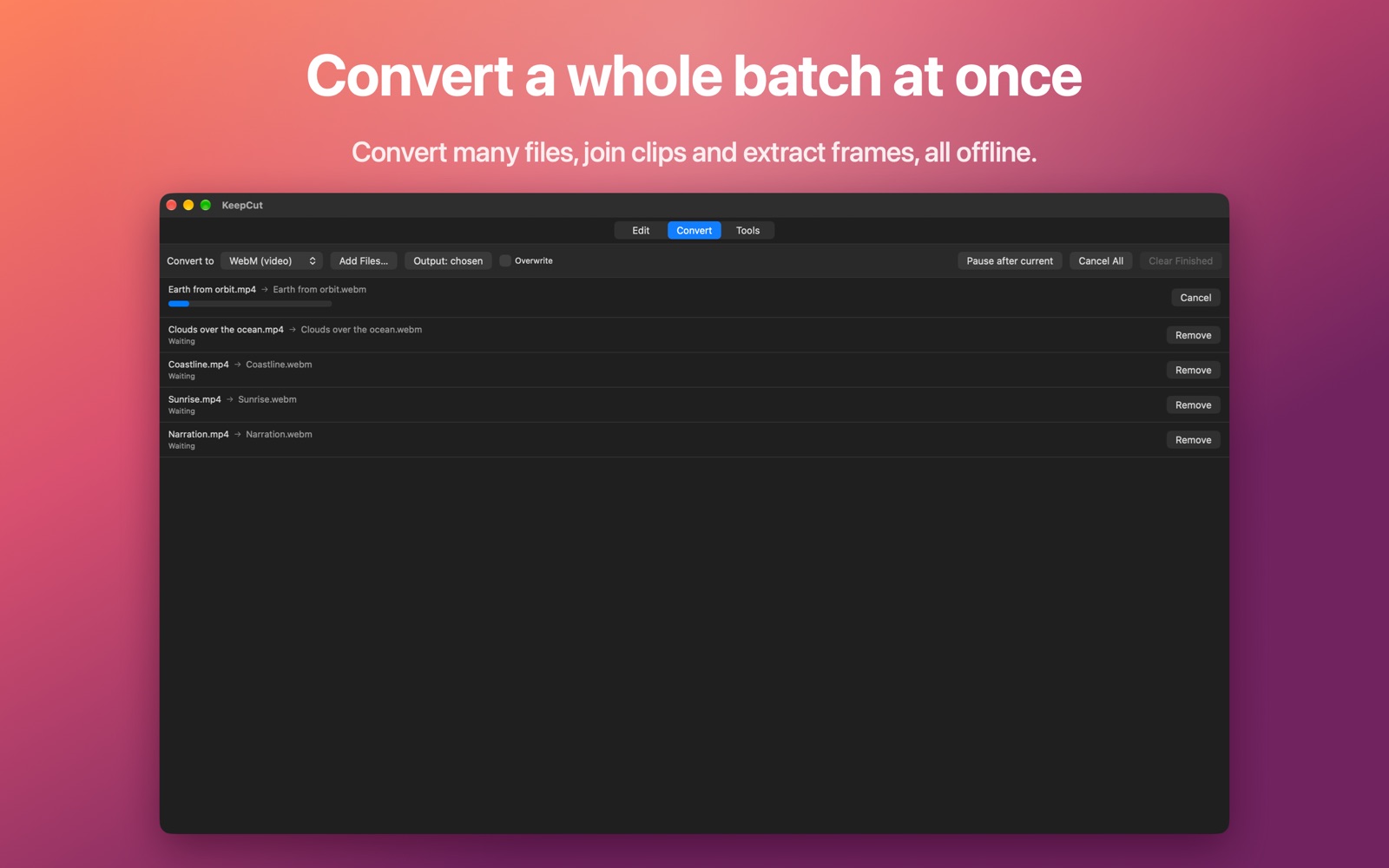
Beside the editor sit the quick jobs: convert a whole batch of video and audio files at once, join clips into one file, and save stills from a video. A file being exported or converted is written under a temporary name and only takes its real one when it is complete, so a cancelled job never replaces a file you already had.
KeepCut runs on Macs with Apple silicon and on Windows 11 PCs (64-bit), from one shared engine. The Windows version adds track headers with their own faders, a marked range for deleting a stretch of the timeline, Open Recent and keyboard shortcuts you can change. On a PC it exports through your graphics card's own encoder where it has one.
See it on the Mac
What it does
Remove Silence trims the pauses out of a talking clip. Then trim, split, ripple delete and move clips on a real timeline.
On-device speech recognition with the model built in. Burn captions into the picture or export SRT and WebVTT.
Reframe to 9:16, square or 4:5 with safe-area guides, and export with presets named for YouTube, Reels, TikTok and Shorts.
Animated titles, nine transitions, colour and LUTs, chroma key, keyframes, split screen, music ducking and background removal.
Convert many files at once, join clips into one, and save stills from a video, all offline.
Everything works offline. KeepCut makes no network connections: no account, no analytics, no ads.
Guides
This app collects no data
KeepCut collects nothing. Your footage, projects and exports stay where you keep them, KeepCut makes no network connections, and it never needs the internet. On Windows, Microsoft DirectML can send Microsoft usage data, never your pictures or video. It runs only if background removal uses your graphics card, and you can use the processor instead.
Details
| Category | Photo & Video |
|---|---|
| Platforms | Mac, Windows |
| Availability | Available on the Mac App Store and the Microsoft Store |
| Mac App Store | apps. |
| Microsoft Store | apps. |
| Bundle identifier | com. |
| Account required | No — there is no sign-up or login |
| Data collected | None |
| Privacy policy | flowlabapps. |
| Support | flowlabapps. |