Docora
Docora reads, marks up, fills in, signs, redacts and organises PDFs on your Mac, and your documents stay there. The app has no network access at all: macOS itself blocks it from making a connection.
The private PDF editor for your Mac.
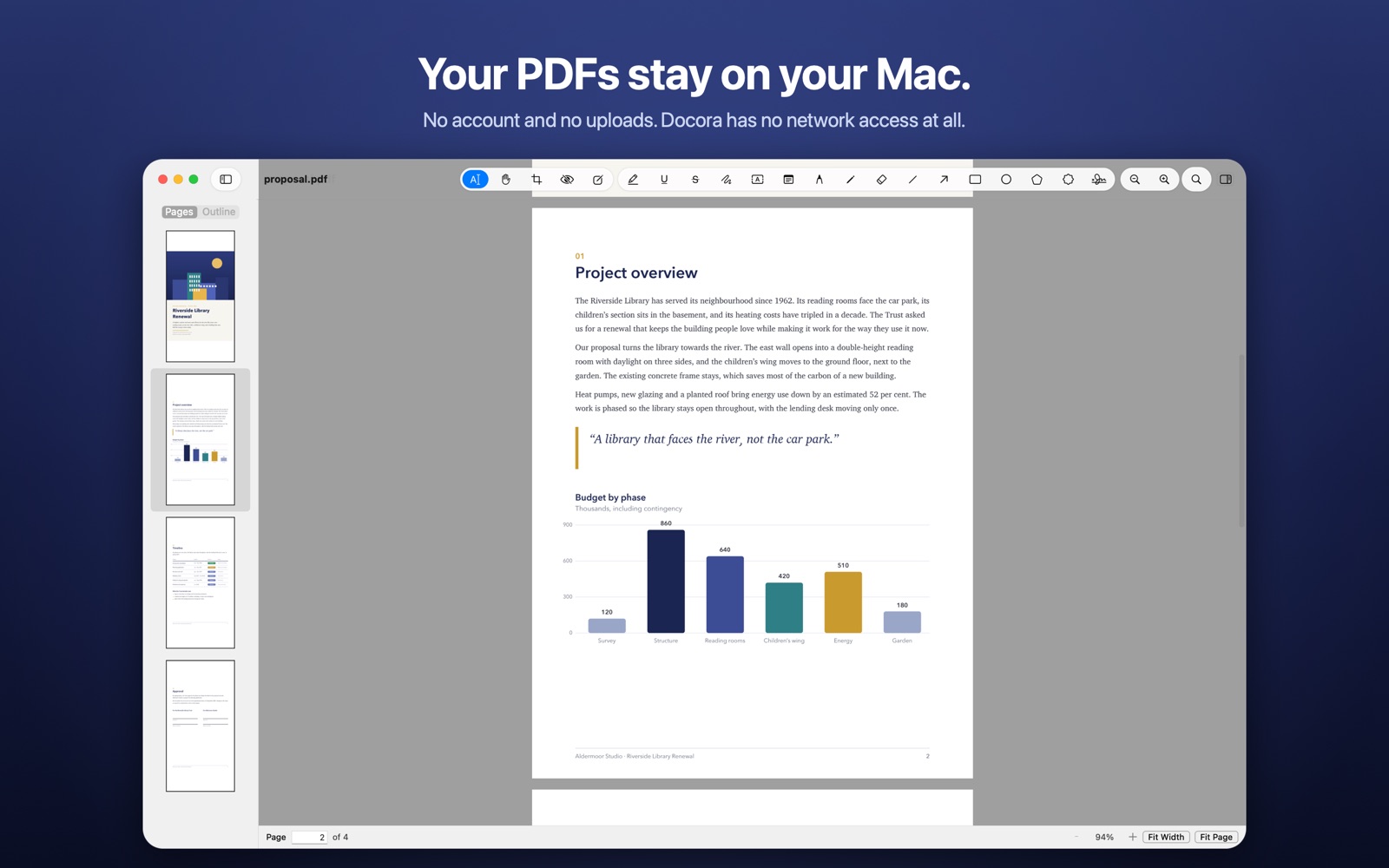
Docora is a complete PDF editor for documents that are nobody else's business. Scroll smoothly through files thousands of pages long, search and copy text, highlight and comment, fill in forms and sign them, then reorder, rotate, combine or split the pages. There is no account to create and nothing to upload.
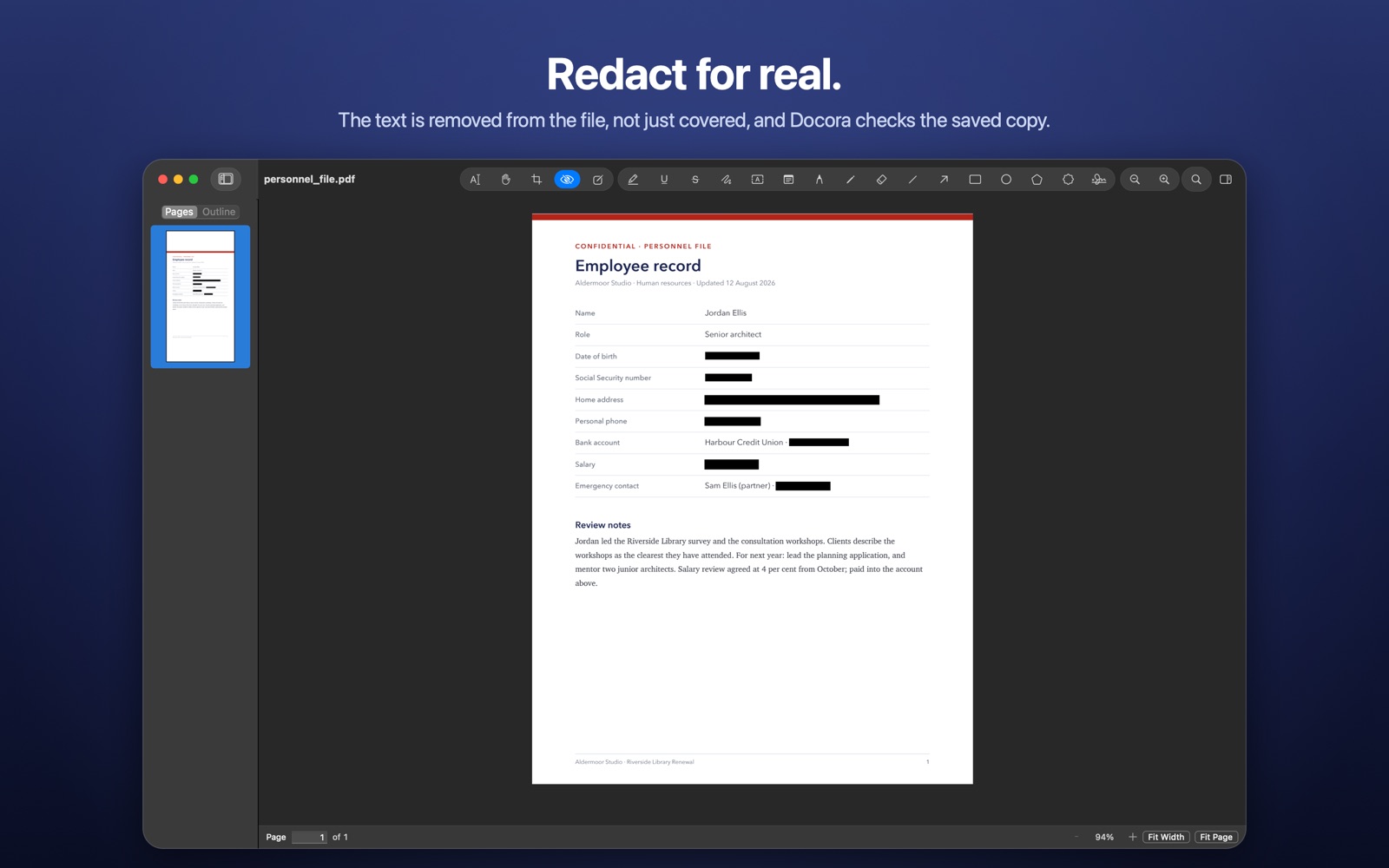
Redaction is done properly. Mark text, an area or every result of a search, and Docora removes the text, pictures and drawings underneath from the file itself rather than drawing a black box over them, then checks the saved copy for the removed text. Remove Hidden Data clears metadata, scripts, attachments, thumbnails and annotation authors, and a password adds AES-256 encryption.
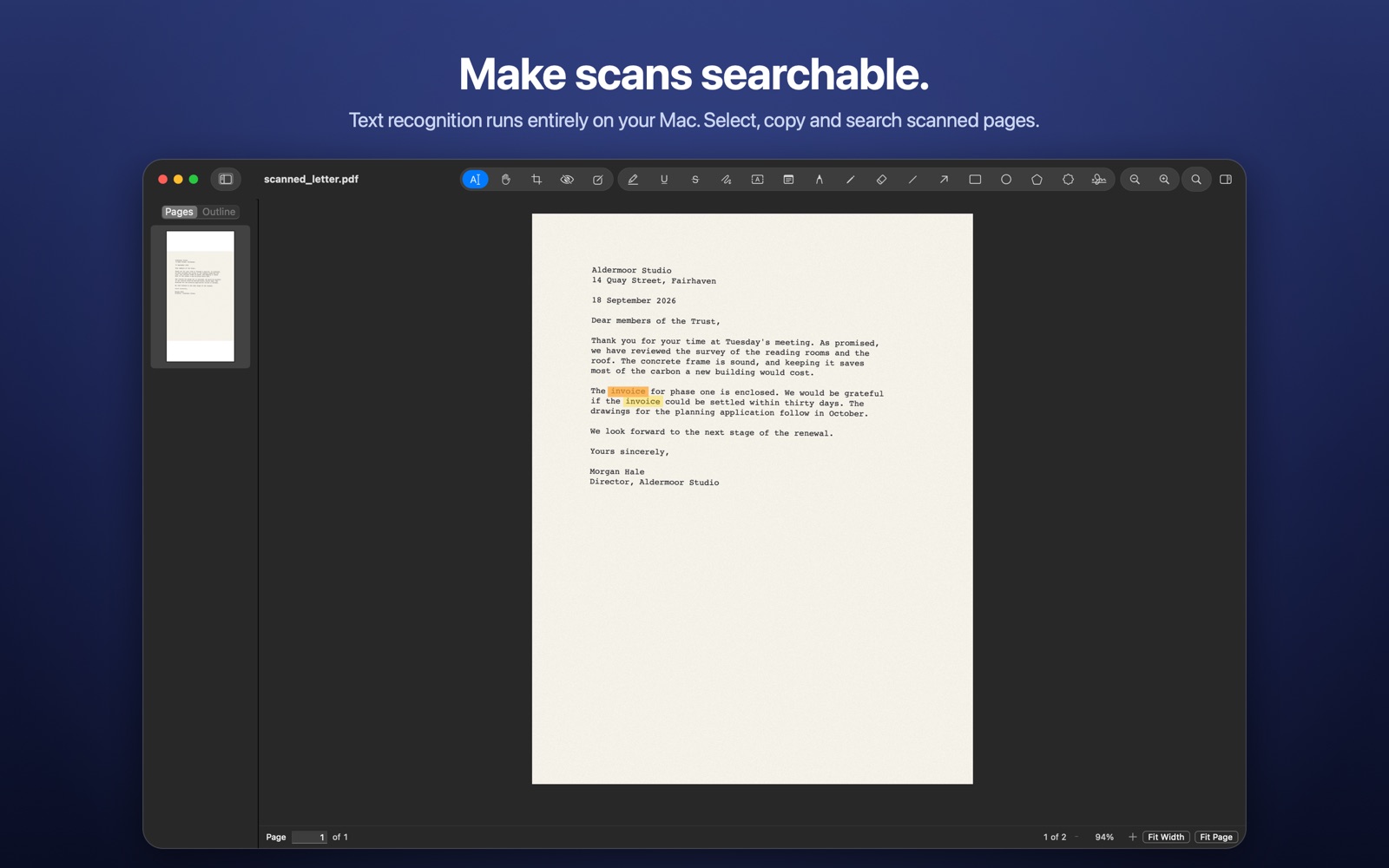
Scanned pages become searchable with text recognition that runs entirely on your Mac. Docora reads every PDF in a separate, sandboxed process with no file or network access of its own, so a damaged or hostile file has nowhere to go; and if that process ever stops, Docora brings back your unsaved changes.
See it on the Mac
What it does
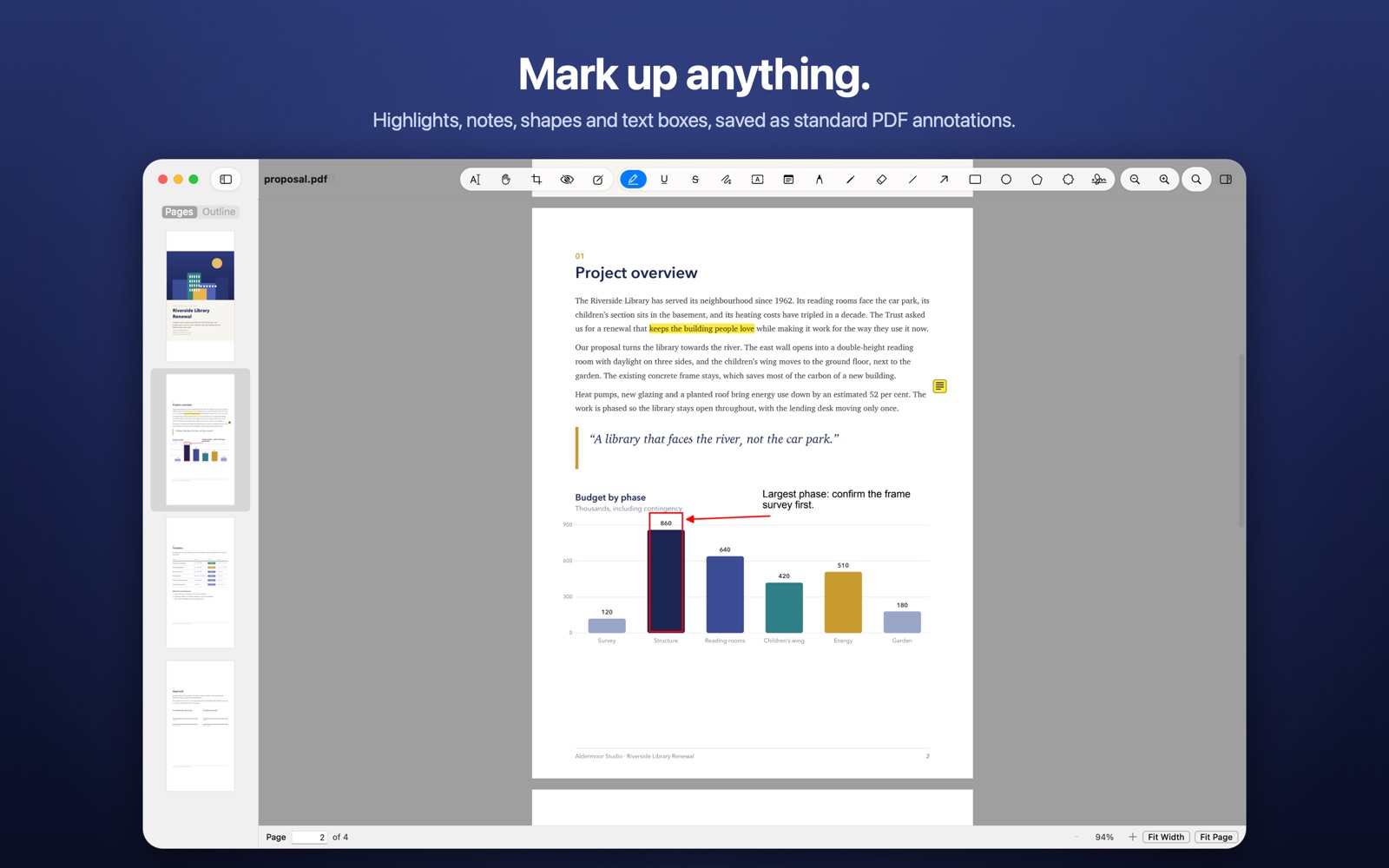
Highlight, underline, strike out or squiggle text; add notes, text boxes, stamps, shapes, arrows and freehand drawing. Saved as standard PDF annotations that other apps show too.
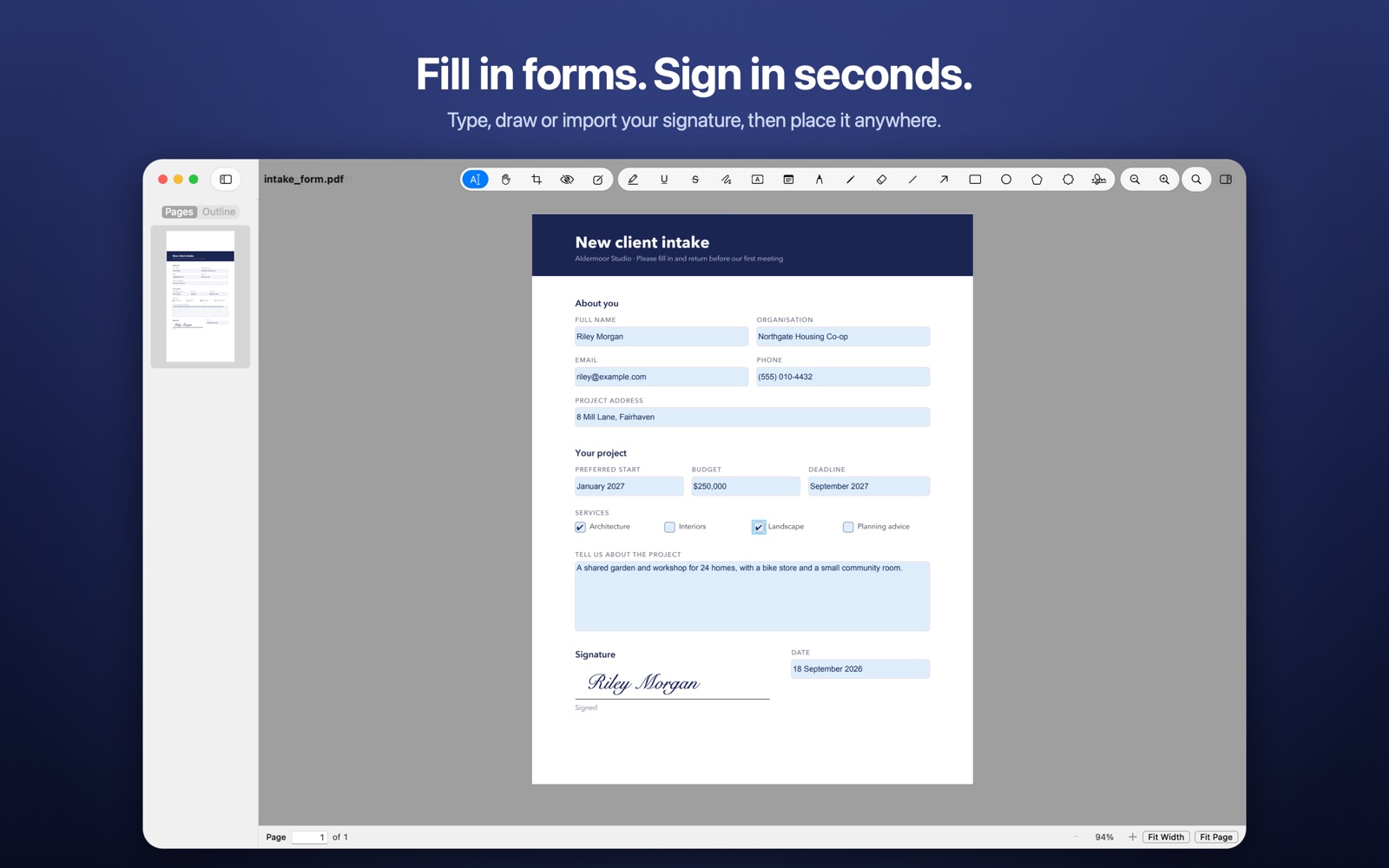
Fill in text fields, checkboxes and lists. Type, draw or import your signature once and place it anywhere. These are visual signatures, not certificate-based digital ones.
Content under a redaction mark is deleted from the file, not hidden behind a box, and the saved copy is checked for the removed text.
Text recognition runs on your Mac with Apple's Vision framework. Recognised text can then be searched, selected and copied.
Reorder, rotate, insert, duplicate, crop and delete pages; combine files; extract or split; export pages as images or a document's text.
No network entitlement, no account, no analytics. PDFs are parsed in a separate sandboxed process that cannot open files or connections of its own.
This app collects no data
Docora collects nothing. Your documents stay where you keep them, and the app ships sandboxed with no network entitlement, so it is technically incapable of making a network connection at all.
Details
| Category | Productivity |
|---|---|
| Platforms | macOS |
| Availability | Coming soon to the Mac App Store |
| Bundle identifier | com. |
| Account required | No — there is no sign-up or login |
| Data collected | None |
| Privacy policy | flowlabapps. |
| Support | flowlabapps. |